
The proposed work
A clear description, relevant site records and any quotes already obtained.
General preparedness guidance — not a live weather alert.
PROPERTY GUIDANCE // Keep valuables and business stock away from areas vulnerable to water. · Canada.ca
Scrolling automatically.

A single store, an industrial building or a managed portfolio each has different project and applicant requirements. Describe the sites, planned work and program you are considering so the records and next steps can be organized.
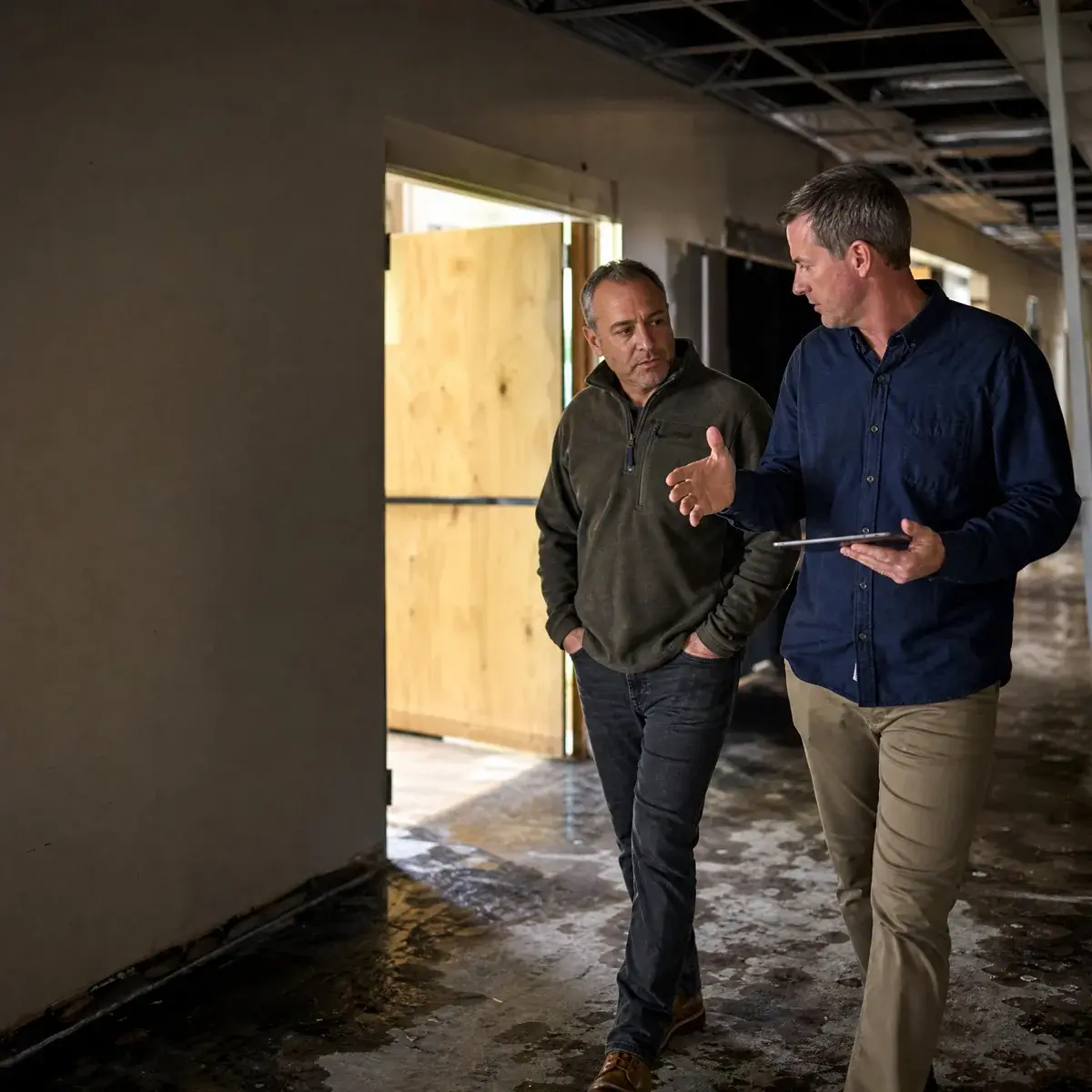
A clear description, relevant site records and any quotes already obtained.
The official program, applicant, geography, eligible costs and current application process.
An agreed checklist of evidence, owner approvals, timing and responsibility for the final submission.
Some programs require approval before work starts or a purchase is made. Bring the official link and tell us about any commitments already made. Program rules, eligibility and payment are confirmed by the responsible administrator.
Speak with the emergency team while authorization and payment questions are clarified.
ExploreKeep policy, claim and billing questions on the insurance-support route.
ExploreInvite ProofResponse to respond to your RFP, RFQ or tender.
ExploreMake the proposed investment specific before assessing a program. For staffing, define the workload and supervision. For equipment, identify the approved use, quote, purchase timing and record owner.
No. Describe the property, location, proposed work and the question you need answered. The first step can be to define what to research; an available benefit is not assumed.
Discuss the writing, document organization or review you need. The team confirms the support scope, available timing and fees before work begins; you or your authorized representative approves the final application.
It depends on the actual program. Share the purchase, deposit and work-start dates so the published rules can be checked. Do not assume costs already incurred will be reimbursed.
No. This is a support enquiry. The responsible program or funder assesses eligibility, approval and payment; any agreement and customer payment responsibility need to be clear before work.
Start with the city, property type, work description, timing and the public program link if known. Detailed financial or identity records can wait until an appropriate document-sharing process is agreed.