
PROPERTY GUIDANCE // Keep valuables and business stock away from areas vulnerable to water. · Canada.ca

Cart
A field coordinator using a tablet beside a service vehicle.
Locations & local context

Your city.
A connected response.

Property help, with a clear next step.

Your approximate area loads automatically. Explore our launched markets or switch to a property elsewhere. Scope, provider availability and timing are confirmed for the request.

Real person · 24/7/365Clear scope & next stepsResidents · businesses · properties
Tell us what needs attention.

A real person can discuss the property, the service and your next step, 24/7/365.

Check coverage
Our locations

Launched markets. Local conversations.

Your approximate area loads automatically. Use the map to explore coverage or switch to a property elsewhere.

Explore the world
ProofResponse launched marketsCountry outlines and city markers provide geographic context. Use the adjacent country and city controls to choose a location. Pins do not indicate branch offices.

Drag to pan. Use + / − to zoom, arrow keys to move and Home to reset. The city list works without using the map.

Area shown

Canada

Explore this market or switch to a property elsewhere.

We confirm the service, address and timing with you. Map markers show markets and city choices, not branch offices.

Find your place

Explore service areas.

Browse a region or search a city.

City choices in Canada

From one property to a portfolio: include access requirements, the site contact and any work-order reference when you get in touch.

Discuss multiple locations
Prepare for the conversation

The exact site makes a difference.

The property

City, street address or a clear description of a remote site.

Explore

The work

What is happening, who is affected and whether the issue is active.

Explore

The people

Local contact, site access, approval process and useful records.

Explore
A few useful answers

What would you like to know?

How do I check service availability for a property?

Share the country, city or region, precise property location, service need and urgency. Availability is confirmed for that request, including any site access or specialist requirements.

Does a country or province in the selector guarantee service there?

The selector organizes an enquiry. It does not establish local staffing, a depot or confirmed attendance. Ask the team to confirm the proposed service and next step for the actual location.

How should we submit a portfolio across different regions?

Provide the property list, services needed at each site and the central contact or approval process. Note which requirements are shared and which depend on local access, operating hours or building conditions.

What matters for remote or restricted-access sites?

Identify travel or access restrictions, escort requirements, available service windows and the authorized local contact. Confirm those details before attendance is arranged so the proposed response fits the site.

Do the language and currency choices change coverage?

They express communication and quote preferences. They do not create service availability or convert prices. Confirm the service location, communication arrangements and quote currency with the team.
In view

Locations & availability — the property context

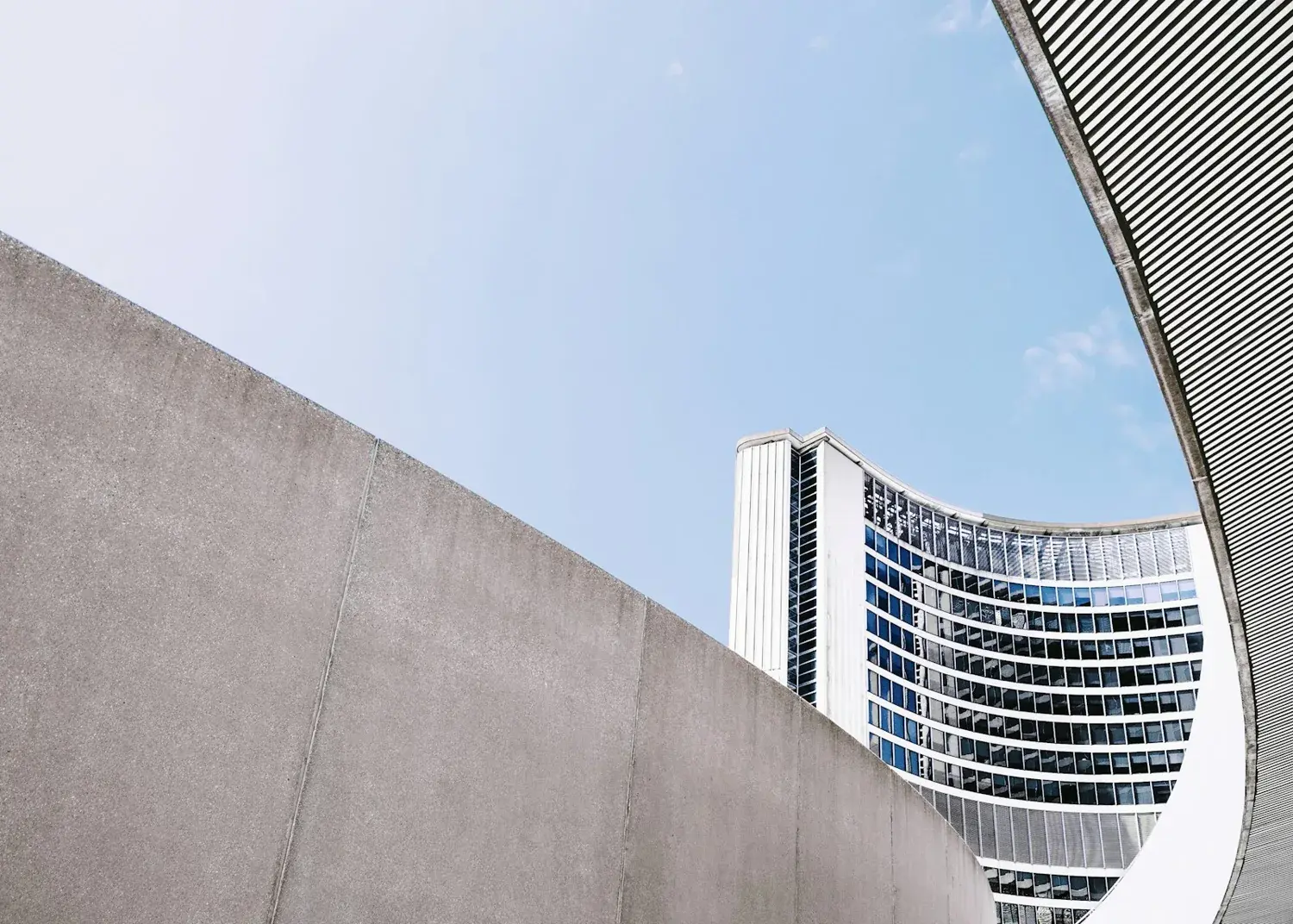
Concrete walls near the curved building of Toronto City Hall
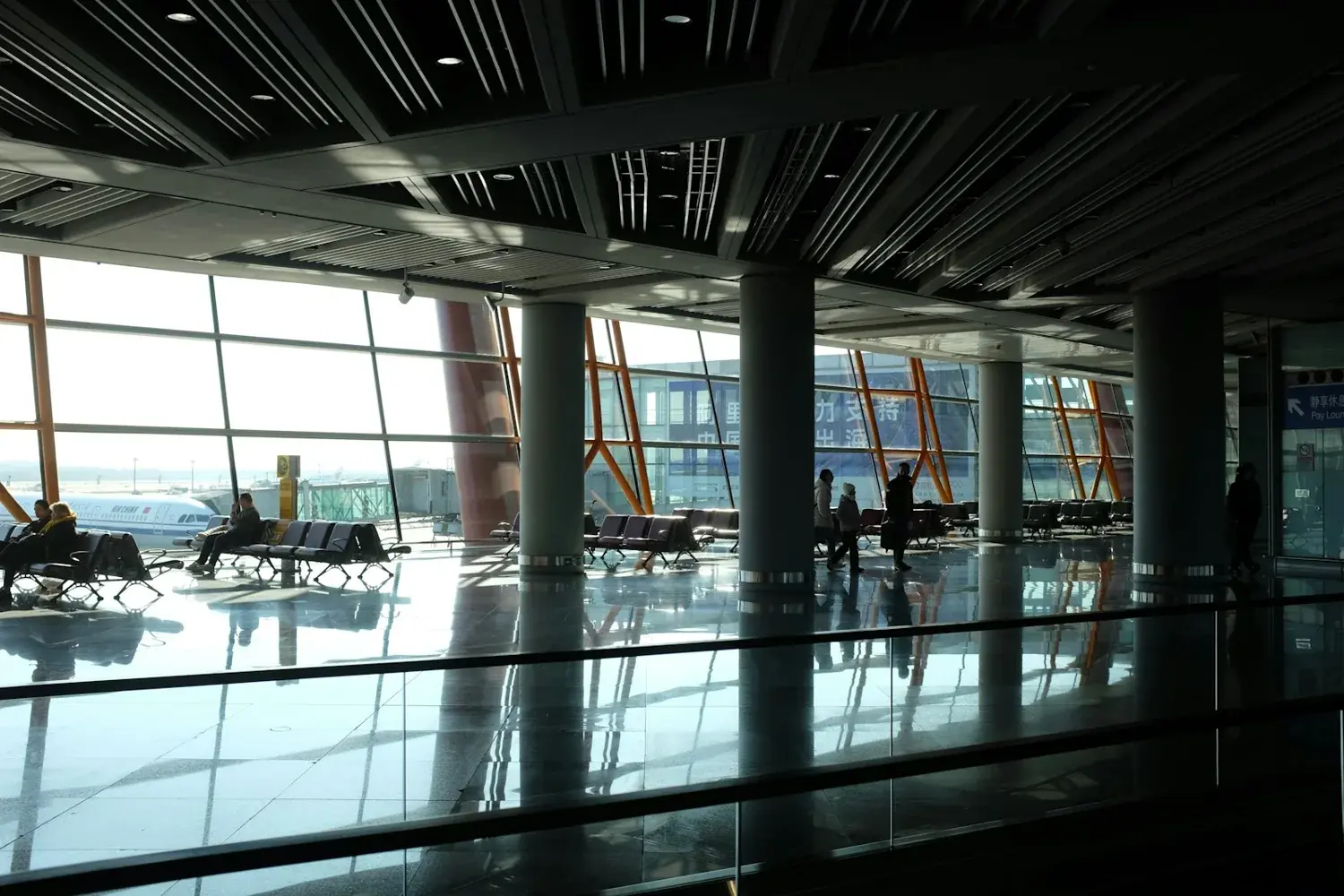
Modern airport terminal with large windows and seating

Your language & preferences

Choose how you use the website and how you would like a quote discussed.

Country selection does not confirm service coverage. Currency is a preference; the written quote or connected checkout confirms the final currency and total.

Property weather updates can be closed at any time. Bring them back here.

Make reading easier

These settings apply across the website. Browser zoom remains available.

Text size
Colour & contrast
Accessibility information

What do you need?

Common requests

Local context, automatically

Change location

When available, your internet connection provides an approximate area automatically. If your property or project is somewhere else, enter that location below.

Automatic area detection is on.

For a property elsewhere, select a suggestion or enter its city.

The area shown is approximate. We confirm service availability and the property address with you when arranging help.