Reading settings
Increase text size, choose stronger contrast or dark colours, underline links and use a simpler reading style. Settings apply across the website.
General preparedness guidance — not a live weather alert.
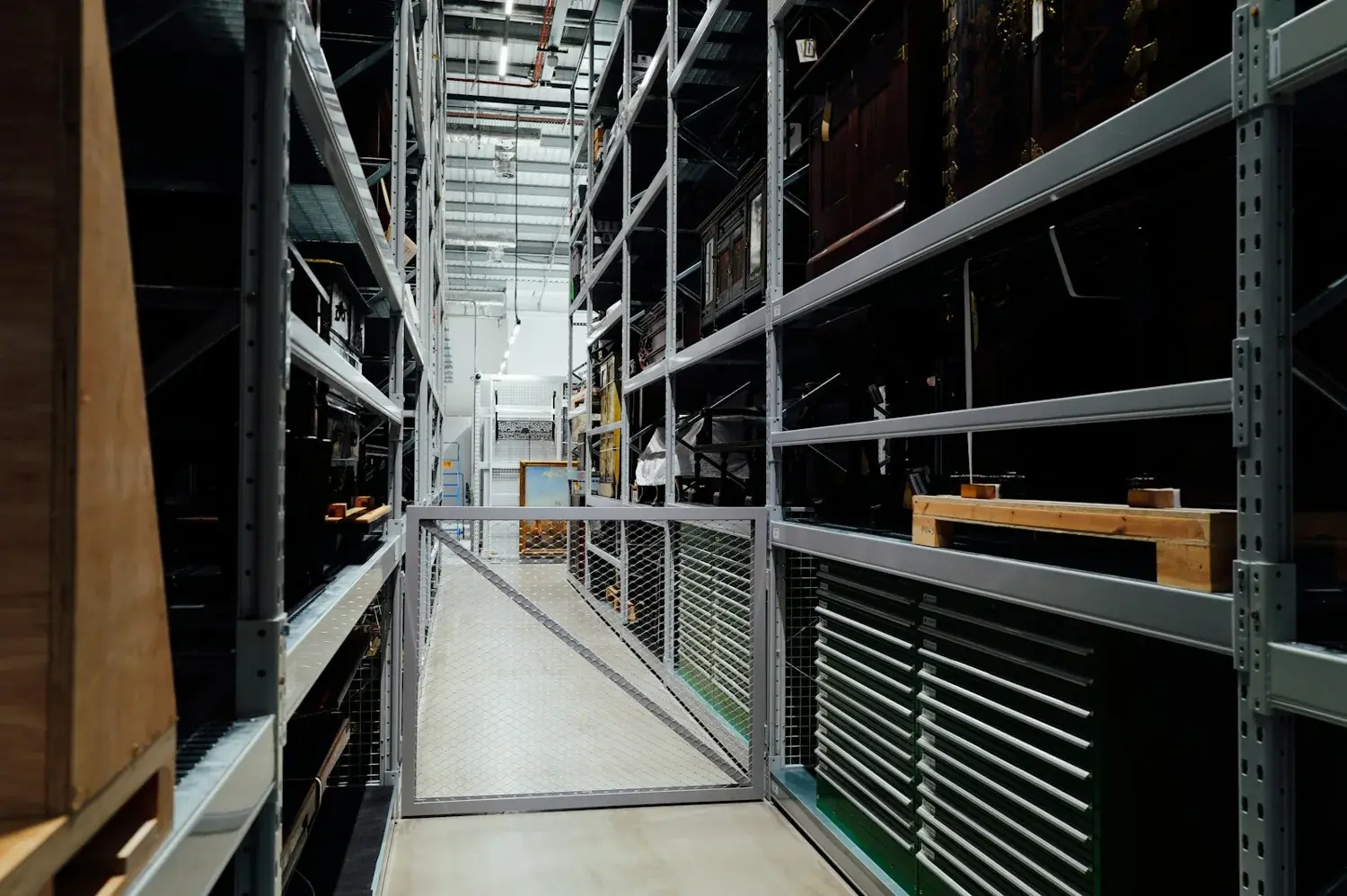
PROPERTY GUIDANCE // Keep valuables and business stock away from areas vulnerable to water. · Canada.ca
Scrolling automatically.

Readable content, visible focus, clear labels and controls you can adjust.
A real person can discuss the property, the service and your next step, 24/7/365.
Increase text size, choose stronger contrast or dark colours, underline links and use a simpler reading style. Settings apply across the website.
Use Tab and Shift+Tab to move between controls, Enter to activate links, and Escape to close dialogs. The skip link moves directly to the main content.
Reduced-motion settings are respected. You can also use your browser’s normal zoom controls; the layouts are designed to reflow instead of requiring tiny text.
If a form or page is difficult to use, call (888) 480-7473 or email info@proofresponse.com. Tell us the page and the difficulty so the team can help.
This is a review build with accessibility features and documented checks. A formal conformance assessment and assistive-technology testing remain part of production review.
Use the website settings to change text size, contrast, link emphasis and reading style. Your browser’s normal zoom also remains available. Choose the combination that makes the page most comfortable for you.
Use Tab and Shift+Tab to move between interactive controls, Enter to follow a focused link and Escape to close a dialog. The skip link near the start of the page moves to the main content.
Call (888) 480-7473 or email info@proofresponse.com. Tell the team which page or task caused difficulty and your preferred way to continue; there is no need to disclose a diagnosis.
No. They are useful controls within a broader accessibility effort. Feedback and testing with assistive technology remain necessary, and any formal conformance claim would require a separate assessment.