Define the work boundary
Identify whether the issue affects offices, support spaces or a restricted technical area, and who can approve work in each.
General preparedness guidance — not a live weather alert.
PROPERTY GUIDANCE // Keep valuables and business stock away from areas vulnerable to water. · Canada.ca
Scrolling automatically.

Water near a technical room, a damaged entrance or support-area cleaning needs the facilities team’s direction. Identify the affected building area, escorted access and operational restrictions; the operator controls isolation, equipment handling and system decisions.
A real person can discuss the property, the service and your next step, 24/7/365.
Identify whether the issue affects offices, support spaces or a restricted technical area, and who can approve work in each.
Share escort, entry, permitted-hours and material restrictions before attendance is arranged.
No need to have every answer. Start with what you know.
Discuss multiple locationsOrganizations responsible for the building and support spaces around communications or computing infrastructure.
Identify whether the issue affects offices, support spaces or a restricted technical area, and who can approve work in each.
Share escort, entry, permitted-hours and material restrictions before attendance is arranged.
Use facility identifiers and property details in the enquiry; security codes and network information are not needed.
Tell us the building area and the authorized facilities contact so property assessment can be discussed with the technical team.
Start with this situationIdentify the affected door or opening and the site’s access-control requirements before temporary protection is scoped.
Start with this situationDescribe the office or staff space, available work window and restricted-area boundaries.
Start with this situationDiscuss extraction, moisture and building-material needs in the affected property area.
ExploreAddress building exposure and roof-related water entry with site access defined.
ExploreScope protection of damaged building openings through the authorized contact.
ExploreIdentify the building system involved and any specialist critical-cooling requirements.
ExplorePlan defined cleaning in authorized support and common areas.
ExploreThis page concerns building and property services. Your technical team should identify any IT, network or equipment-specialist requirement separately so responsibilities are clear.
Yes. Share the property issue and access requirements with an authorized facilities contact. Scope, suitability and availability need to be established for that location before work is arranged.
The location, visible property condition, area affected and contact who can authorize the conversation. System credentials, network diagrams and security codes are not needed.
Flag that constraint and identify the authorized facilities lead. Any work near critical systems needs an agreed scope, access window and operational controls; the enquiry alone does not authorize an outage or change.
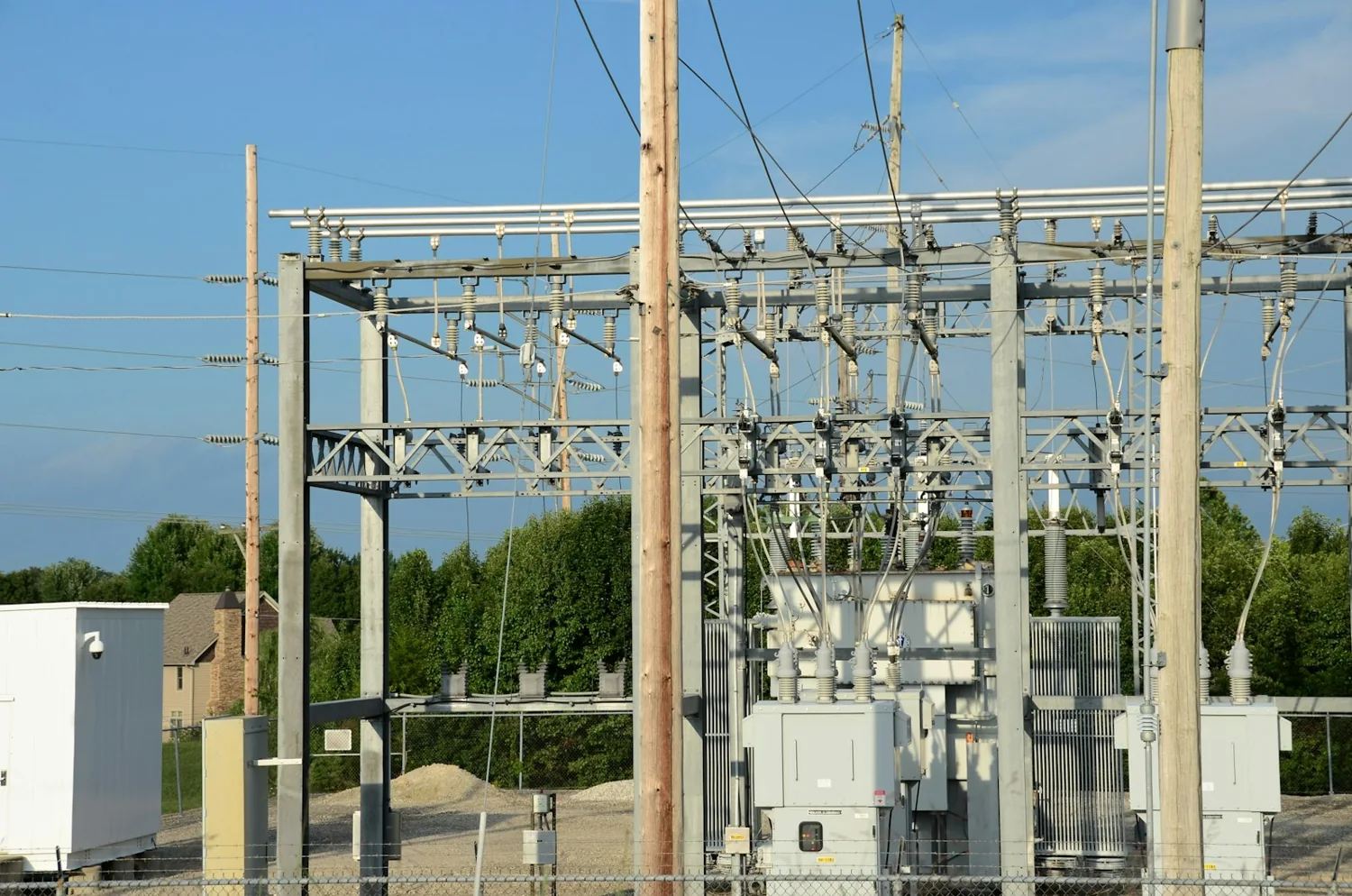
Arrange building-water response, access repairs and specialist cleaning at utility offices, depots and support facilities. The operator defines controlled-system boundaries, permits, site induction and any isolation required before property work starts.
See how we helpWashroom leaks, cooling failures and worn shared floors affect more than one tenant. Connect facilities and building management with the affected floors, permitted work window and authorized scope for urgent repair or scheduled office cleaning.
See how we helpRoof leaks, damaged loading openings and water in work areas need a property-repair scope that respects plant operations. Identify isolation responsibilities, permit-to-work requirements, access routes and the production areas the service team must avoid.
See how we helpOrganizations responsible for the building and support spaces around communications or computing infrastructure.