
PROPERTY GUIDANCE // Keep valuables and business stock away from areas vulnerable to water. · Canada.ca

Cart
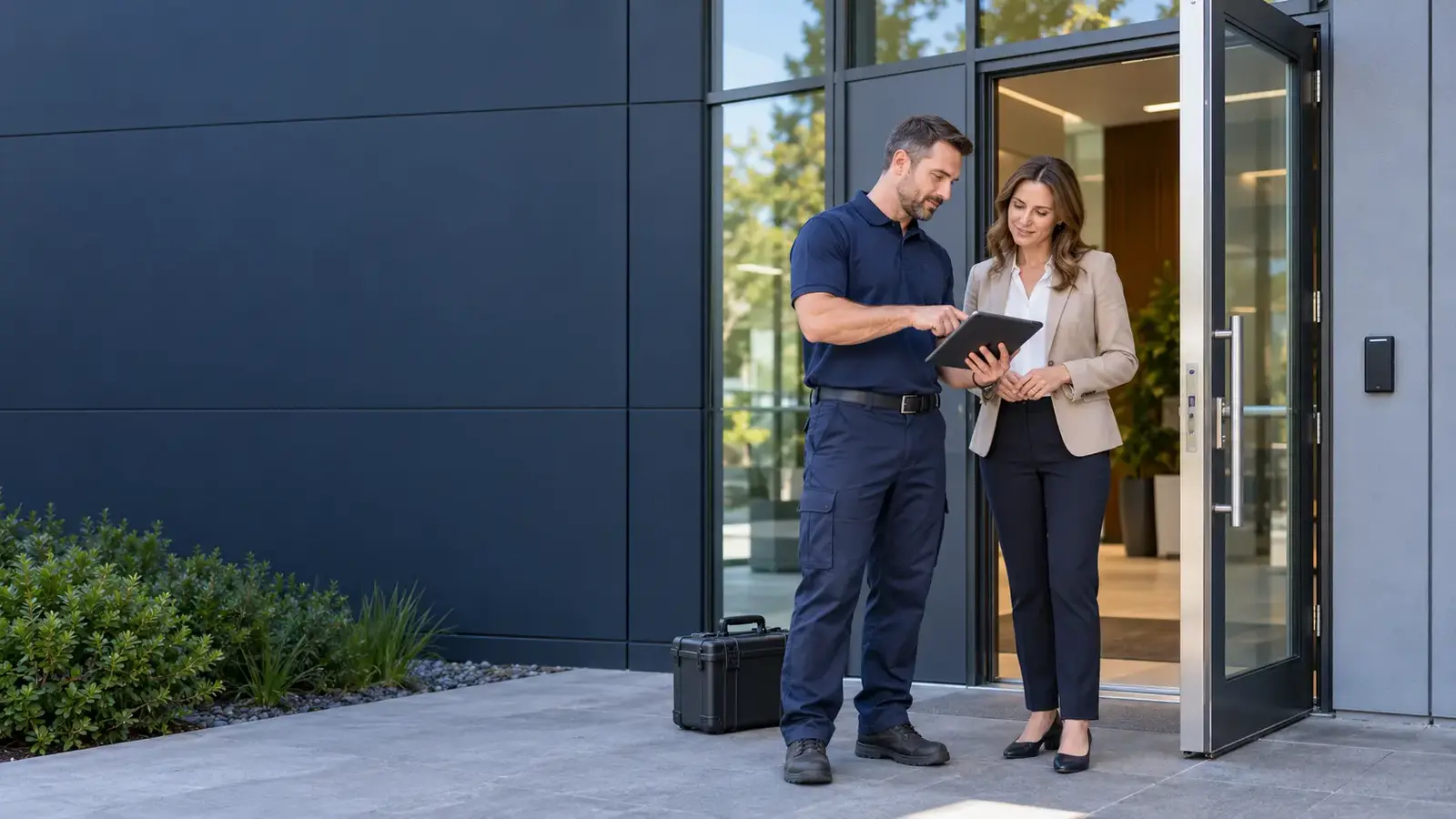
A technician and property contact discussing entrance hardware.
Access & Security

Smart lock installation

Property help, with a clear next step.

Fit a smart lock to a compatible door and establish who owns the account, codes and permissions. Plan installation, operation checks and a clear handover to the property contact.

Real person · 24/7/365Clear scope & next stepsResidents · businesses · properties
Tell us what needs attention.

A real person can discuss the property, the service and your next step, 24/7/365.

Check coverage
A useful first conversation

Arrange this work Smart lock installation

When to call

  • An approved entrance is moving to connected access
  • Existing smart-lock hardware needs replacement
  • A property needs an installation compatibility assessment

Helpful details for the first call

  • Share the chosen device model if available
  • Identify who will own the connected account
  • Describe existing access or door requirements

What happens next

  • Review door and hardware compatibility
  • Coordinate installation and operation checks

No need to have every answer. Start with what you know.

A clear work scope

Smart lock installation work scope

  • Review door and hardware compatibility
  • Coordinate installation and operation checks
  • Agree account ownership and access handover
For your property type

Properties this service supports

Property Managers & Facilities Teams

Leaks across units, damaged entrances and sensitive cleanup need a clear owner, site contact and approval path. We help arrange the property work and records your team needs for residents, boards and building owners.

See how we help
Commercial Offices & Corporate Campuses

Washroom leaks, cooling failures and worn shared floors affect more than one tenant. Connect facilities and building management with the affected floors, permitted work window and authorized scope for urgent repair or scheduled office cleaning.

See how we help

Multifamily, Condo & Strata Properties

Water can move between apartments while residents, owners and the building team each need updates. Arrange water response, shared-access repairs and discreet unit cleanup with suite access, responsibility and approval clear from the first request.

See how we help
Service questions

Smart lock installation practical questions

Can any smart lock go on a commercial door?

Compatibility and building requirements must be checked. The door, hardware and intended use determine whether a device is suitable.

Who manages codes and digital access after installation?

The authorized owner or operator should control accounts and permissions. Agree the handover and ongoing management responsibilities.

How are availability and the work scope confirmed?

Share the location, timing and reported condition. The appropriate capability, access, scope and charges must be confirmed for the request before work is authorized.

What happens if the internet connection or batteries fail?

Ask about the proposed model’s access options, power requirements and recovery procedure before choosing it. The handover should explain who maintains the device and how authorized users handle a failure.

Request this service Smart lock installation

Have the property address, affected area and access contact ready. This request carries the service you selected.

In view

Smart lock installation — the property context

A technician and property contact discussing entrance hardware.
Before the visit: Share the chosen device model if available.
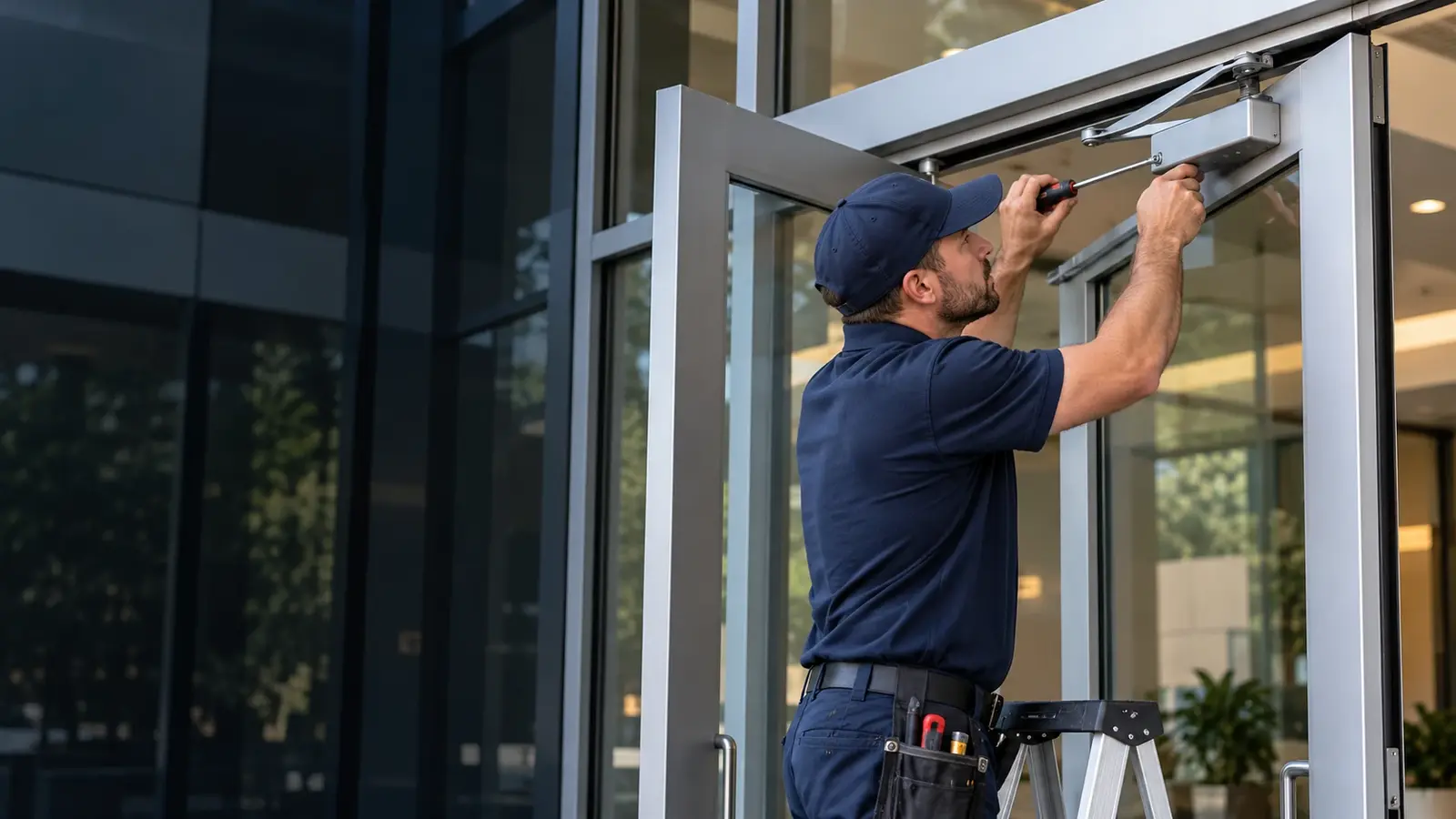
A technician working on a commercial entrance door.
Agree the work: Review door and hardware compatibility.

Your language & preferences

Choose how you use the website and how you would like a quote discussed.

Country selection does not confirm service coverage. Currency is a preference; the written quote or connected checkout confirms the final currency and total.

Property weather updates can be closed at any time. Bring them back here.

Make reading easier

These settings apply across the website. Browser zoom remains available.

Text size
Colour & contrast
Accessibility information

What do you need?

Common requests

Local context, automatically

Change location

When available, your internet connection provides an approximate area automatically. If your property or project is somewhere else, enter that location below.

Automatic area detection is on.

For a property elsewhere, select a suggestion or enter its city.

The area shown is approximate. We confirm service availability and the property address with you when arranging help.