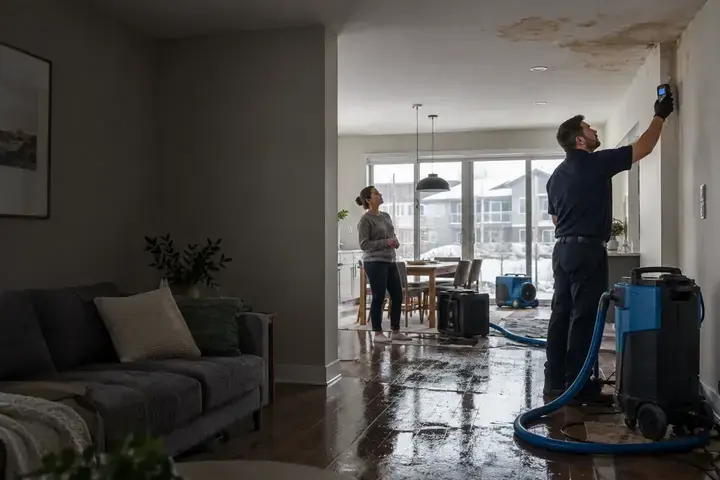
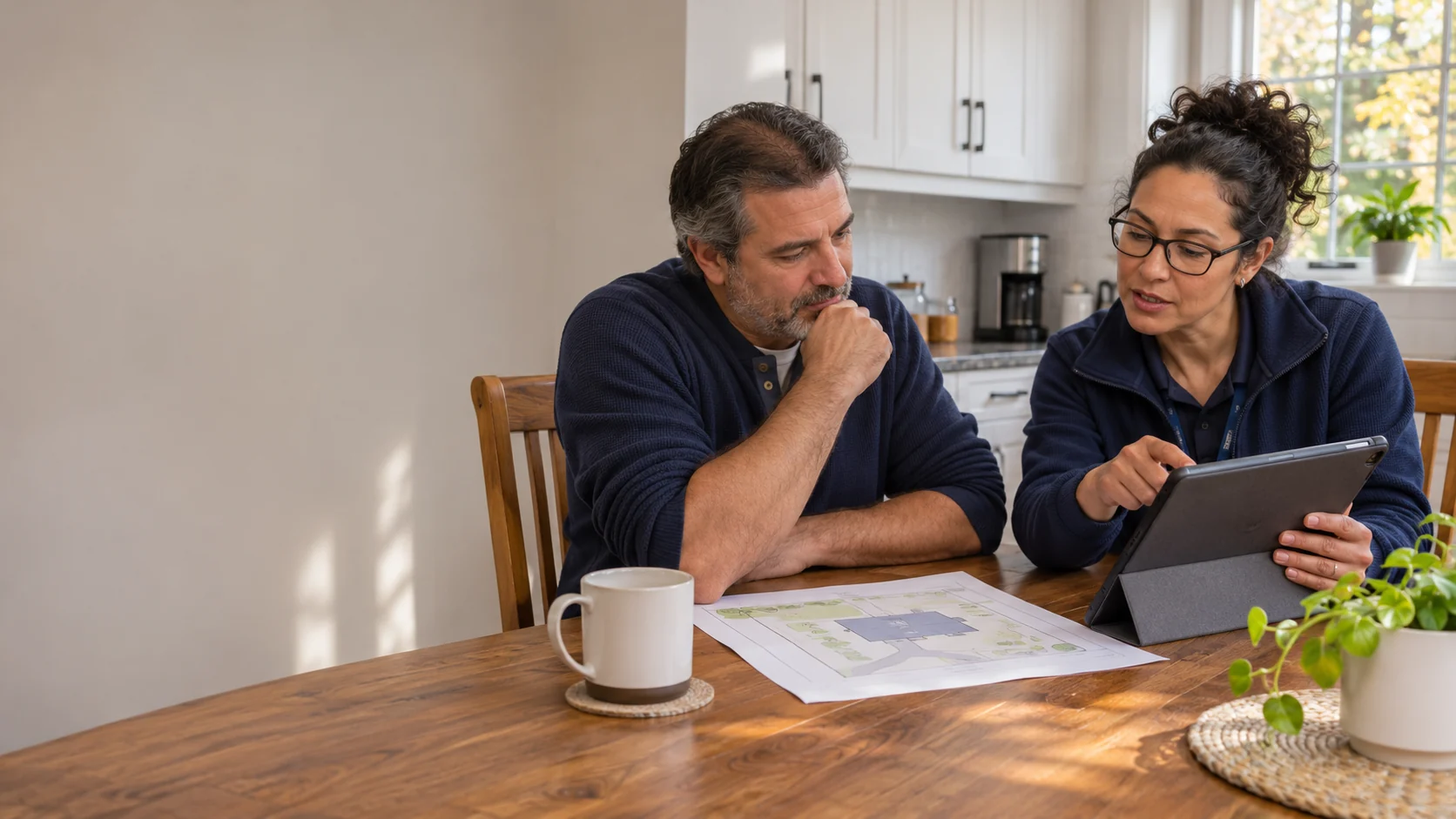
Access for your home, business or industrial property.
Tell us which property requests you need to follow and what you are authorized to manage. Your organization is optional for a home account.
A real person can discuss the property, the service and your next step, 24/7/365.
Have these details ready
- Your name and the email you use for this relationship.
- Whether the account is for a home, a business or an industrial site.
- Your ProofResponse contact, or an existing work or relationship reference if available.
- What you need to see or do, and who can authorize that access.
A real person is available 24/7/365. You can discuss an active incident without an account.
Call (888) 480-7473Does this account include homeowners and businesses?
Yes. Customer access includes homeowners and residents, businesses with one or several locations, and industrial property teams. Choose the context that fits your property. Live permissions depend on the account contact and the work you are authorized to view.
Do I need an account before I can ask for help?
No. You can call a real person 24/7/365 or start a property request without signing in. For an active leak, flooded area or unsecured opening, use the call button to discuss the immediate situation and next step.
Can different colleagues see different properties?
Explain which properties and actions each person needs when you request access. The authorized account contact can confirm who may raise requests, review updates, approve scope or access records. This review website shows examples; it does not grant those permissions.
I forgot my password. What should I do?
Use the secure reset option in the live account portal provided by your ProofResponse contact. If you cannot reach that portal, request account access help. Do not put a password, security code or private account document into this website’s enquiry form.
I already have an account. Where do I sign in?
The Customer account page contains the preview sign-in screen. This access form is for asking the team to establish or correct account access. Use the approved production link from your ProofResponse contact for real account records.
Can more than one person at our company have access?
Include the organization and the roles that need access, such as a site contact, approver or accounts-payable contact. The account team needs to confirm each person's permissions before sharing customer or work records.
Should I include a password or building access code?
No. A name, business contact, organization and description of the access you need are enough for the initial conversation. Do not enter passwords, alarm codes or other credentials in this request.
Will requesting account access arrange urgent work?
No. Account access and a property service request are separate. For an active property issue, use the emergency contact path and give the team the actual address and situation.
Customer access request — the property context